Better Money Management Starts Here
Everything You Need For Smarter Financial Management
Smart Money Management
Take full control of your finances in one secure place. Manage accounts, monitor balances, track spending, and make smarter financial decisions with real-time insights.
Real-Time Transaction Tracking
Monitor every transaction as it happens. Get a clear view of your income, expenses, transfers, and financial activity without missing important changes.
Smart Alerts & Notifications
Stay ahead of your finances with timely alerts. Get notified about transactions, payment activity, account updates, unusual spending, and important financial events.
Financial Planning & Goal Tracking
Turn your financial goals into clear action. Set targets, monitor your progress, track performance, and stay focused on what matters most.
One Platform. Total Financial Visibility.
See your numbers clearly, automate daily tasks, and stay in control as you scale.
Easy Payments
Send and receive money instantly with full visibility and confidence across all your accounts.
Bills and Invoices
Create professional invoices, automate payments, and stay on top of what’s due.
Integration Central
Connect seamlessly with tools like accounting software, banks, and payment gateways.
Performance Stats
View your financial health at a glance with clear analytics, trends, and real-time reporting.
Treasury and Cash Management
Optimize liquidity, manage reserves, and put idle funds to work with smart allocation tools.
Money Tips
Get practical, personalised tips that help your team spend smarter and keep more cash in the business.
Get Started In Three Simple Steps
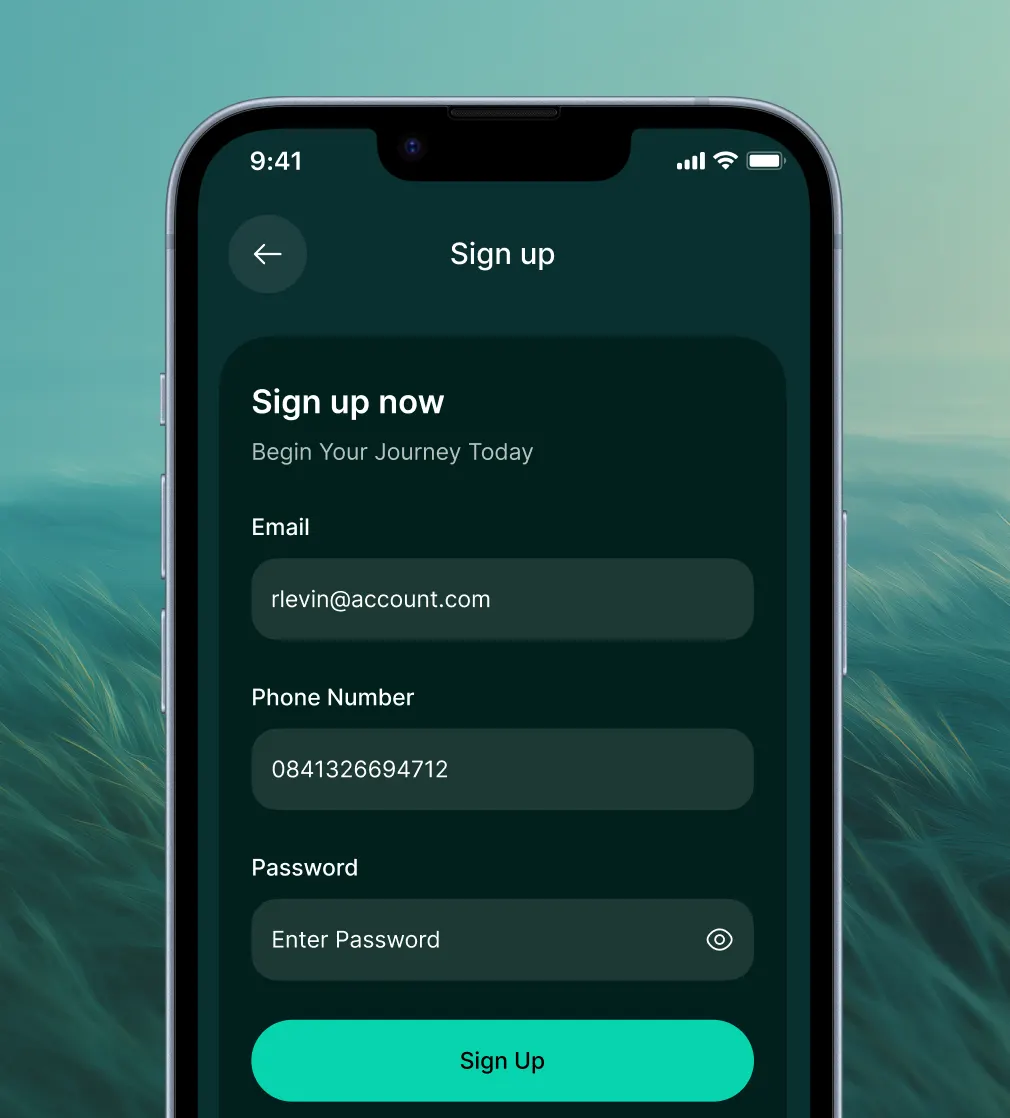
Create Your Account
Sign up in minutes with your basic details. Set up your account securely and get ready to access your financial dashboard.
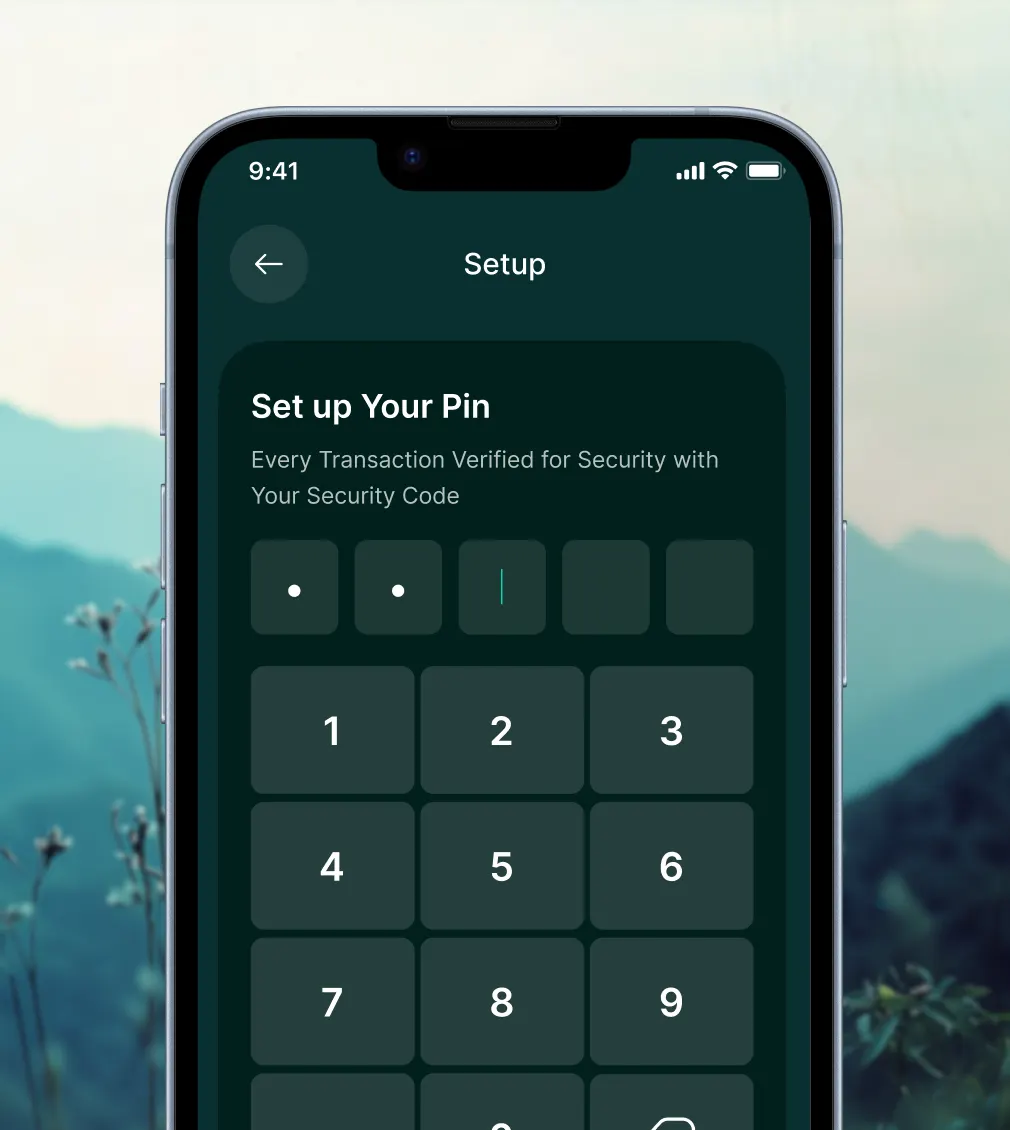
Set Up Your PIN
Create a secure PIN to protect your account and enable quick, safe access whenever you need it.

Verify Your Identity
Complete a quick identity verification to keep your account secure and unlock the full range of financial services.
Questions? We’re Here To Help.

Most teams are fully onboarded in under a day. Card issuing, ERP sync and approval workflows are configured from a guided two-minute setup, no engineering work required.
No. You can start with a Fexiva account and cards on day one. Bank and ERP connections are optional and can be added at any time from Settings.
Yes. Upgrade, downgrade or cancel from your billing page whenever you like. Changes take effect at the start of the next billing cycle.
All data is encrypted in transit and at rest, access is protected with two-factor authentication and every action is logged in a tamper-proof audit trail.
Yes. Hold balances in 75+ currencies, pay suppliers locally and see consolidated reporting in your home currency.
Fexiva syncs natively with popular accounting, ERP and payroll tools, and connects to 100+ other apps through its open API.
Yes. Upload a CSV or connect your old provider and we will migrate card holders, limits and historical transactions for you.
Enterprise and Business plans include a dedicated onboarding specialist who configures approval workflows and trains your team.
Yes. Fexiva is PCI DSS Level 1 certified and audited annually for SOC 2 Type II. Reports are available on request.
Data is stored in regional data centres in the EU and US. You choose the region when you create your workspace.
Role-based permissions let you decide who can issue cards, approve spend and view reports, down to the team or cost centre.
Ready To Modernize Your Financial Stack?
Start managing subscriptions, card limits, and approvals with zero friction.